How Dental Practices Reduce Appointment No-Shows
Dental appointment no-shows drain production; confirmation workflows, waitlists, and clear policies protect the schedule you already won.
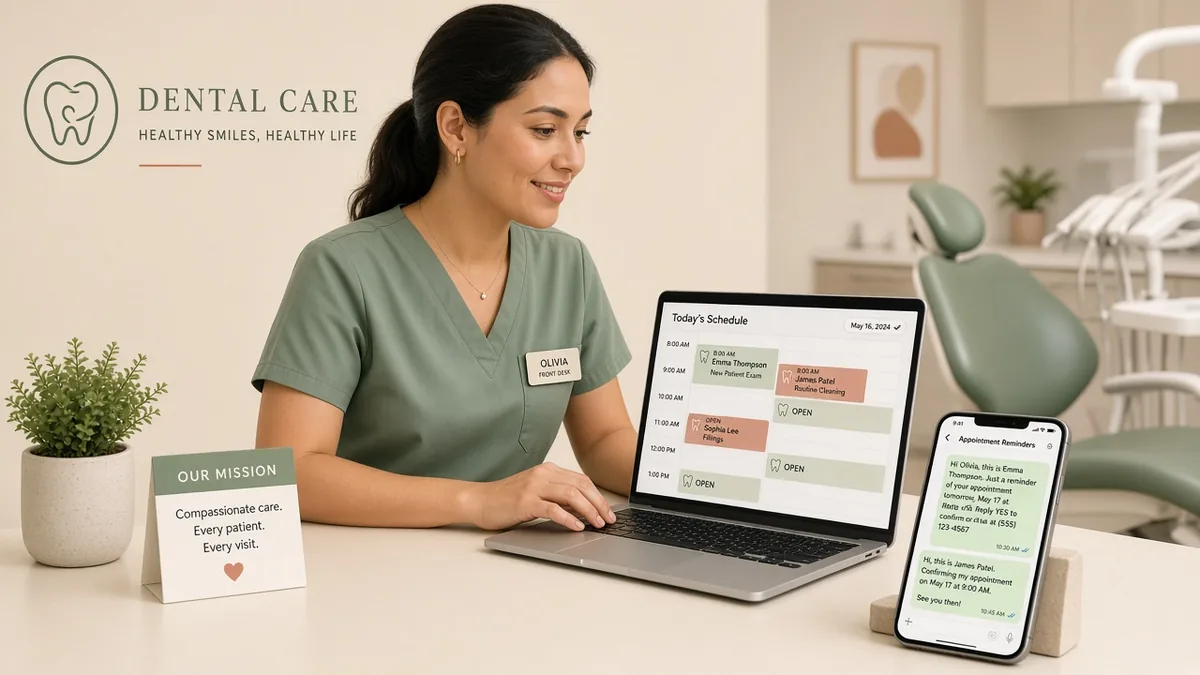
Dental appointment no-shows are scheduled visits where the patient does not arrive and does not cancel in time for the practice to fill the chair. They matter because rent, staffing, and equipment still run while production disappears—and because chronic no-shows distort dental chair utilization and new-patient capacity. Reducing no-shows is mostly an operations problem: confirmations, reminders, waitlists, and clear expectations—not a marketing slogan. This guide defines the cost of no-shows, the confirmation workflow that prevents them, how to fill same-day openings, how to write a policy patients understand, and how to measure recovery with a labeled example before adding automation.
No-Shows Drain Production Even When the Book Looks Full
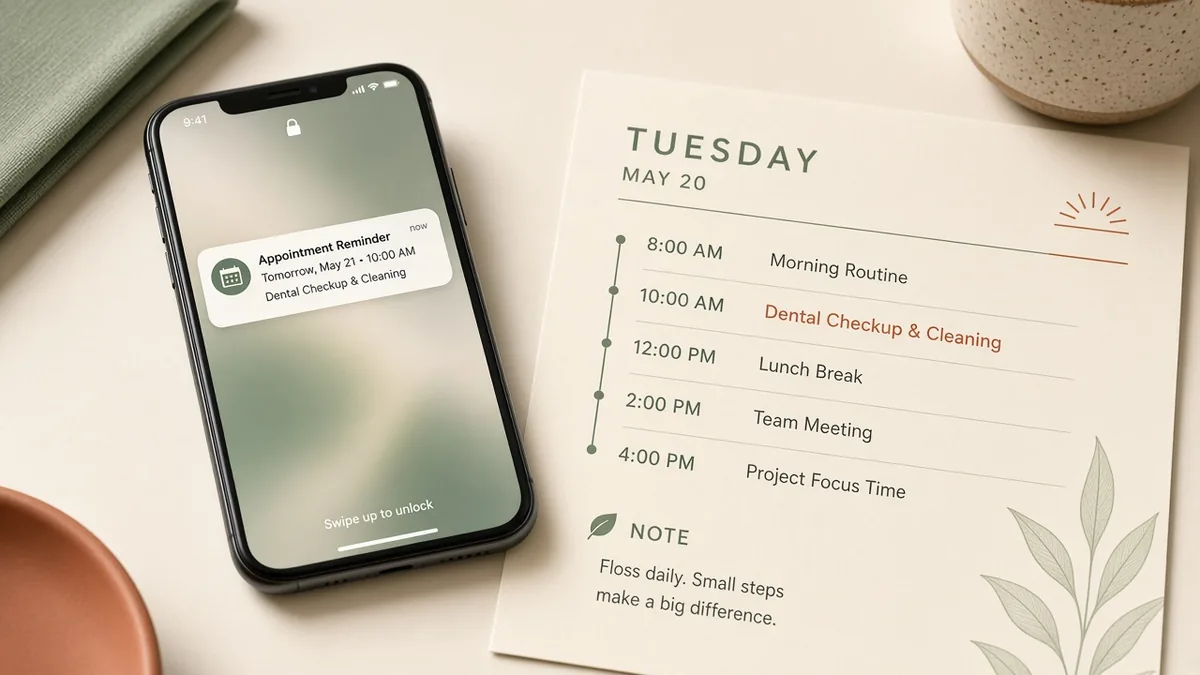
A schedule that is “full” on paper can still underproduce if dental appointment no-shows and late cancellations open holes the team cannot fill. The loss is not only the missed fee for that visit; it is idle chair time, scrambled staffing, and patients who needed care but were never offered the slot.
Separate three events in reporting:
- No-show: patient does not arrive and did not cancel
- Late cancel: cancel inside your fill window (for example, under 24 hours)
- On-time cancel: cancel early enough that the slot can be rebooked
Practices that lump all three into one “broken appointment” number cannot see whether the fix is reminders, waitlist speed, or policy communication. Track no-show rate as no-shows divided by scheduled appointments in the period, and review it by provider, visit type, and new vs existing patient.
Run a Confirmation and Reminder Workflow Patients Can Follow
Most preventable dental appointment no-shows fail at confirmation—not at clinical care. Build a simple sequence and own it:
- Book with a clear time, location, and what to bring (insurance card, forms, guardian) so uncertainty is low.
- Send an immediate confirmation (text or email) the patient can save.
- Remind at predictable intervals—for example, 72 hours and 24 hours—with a one-tap confirm or reschedule path.
- Flag unconfirmed appointments the day before so the desk can call or text once more.
- Release chronically unconfirmed slots to the waitlist before the day starts when policy allows.
Keep message copy short. Long paragraphs about office philosophy do not reduce dental appointment no-shows; a time, a confirm link, and a phone number do. If patients often say they “never got the reminder,” audit consent for SMS, wrong numbers, and quiet hours—not only template wording.
When unanswered phones make reschedules impossible, you create the next no-show elsewhere. Pair reminder workflows with answer capacity; see dental missed call revenue when callbacks are the bottleneck.
Fill Openings With a Real Waitlist
Reducing no-shows includes recovering the chair when one still happens. A named waitlist of patients who want earlier times turns a morning hole into a same-day visit.
Waitlist rules that work:
- Keep a short list of patients who opted in for short-notice openings
- Assign one owner each morning to text or call when a slot frees
- Offer the slot once, with a deadline, then move to the next name
- Prefer visit types that fit the open chair (hygiene vs doctor time)
Do not confuse waitlist fill with unscheduled dental treatment follow-up. Waitlists fill today’s open chair; unscheduled treatment recovers accepted plans that never booked. Run them as separate lists so neither gets ignored.
Make the Cancellation Policy Clear, Not Theatrical
A policy patients never heard about will not change behavior. State the cancellation window at booking, in reminders, and on new-patient forms. Fees or deposits—if you use them—should be explained before the appointment, applied consistently, and aligned with what your market and ethics allow.
Focus the policy on protecting other patients’ access to care, not on shaming. Many offices reduce dental appointment no-shows more by making reschedule easy than by threatening fees. If new patients no-show far more than existing patients, tighten pre-visit confirmation for that segment before changing the whole fee schedule.
Illustrative No-Show Cost Math (Example Only)
The numbers below are an example, not an industry benchmark.
Assume a practice in one month:
- Scheduled appointments: 800
- No-shows: 40 (5% no-show rate)
- Average production value of a missed visit (example): $250
- Late cancels that could not be filled: 20 at the same $250
Then:
Illustrative production at risk ≈ (40 + 20) × $250 = $15,000 for the month
If confirmations and a waitlist cut unfilled broken appointments from 60 to 30, illustrative recovered production is about $7,500 in that example—before counting smoother staffing. Run your own averages in the chair utilization calculator when you want open-chair time expressed as capacity, not only as fee estimates.
Measure, Then Automate the Stable Rules
Dental appointment no-shows improve when the practice measures weekly and changes one step at a time.
Track:
- No-show rate and late-cancel rate
- Confirmation rate by reminder step
- Waitlist fill rate for open chairs
- No-show rate for new patients vs existing patients
- Recovered production from same-day fills (even as a rough estimate)
Automate reminders, confirmations, and outreach only after the human workflow is clear. Top Dentistry’s Practice OS and AI solutions can support reminder sequences, inbound capture, and operational workflows when the rules—timing, who escalates, when to release a slot—are already defined. Automation that texts the wrong message faster does not fix dental appointment no-shows.
Frequently Asked Questions
What counts as a dental appointment no-show?
A dental appointment no-show is a scheduled visit where the patient does not arrive and did not cancel in advance. Late cancellations inside your fill window are related but should be tracked separately so you know whether reminders or waitlist speed needs work.
What is a reasonable dental no-show rate?
There is no single rate that fits every market and specialty mix. Track your own baseline for several weeks, then improve confirmation and waitlist steps before chasing a published average. Compare new patients with existing patients; the gap often shows where the workflow is weak.
Do reminder texts reduce dental appointment no-shows?
Reminder texts help when numbers are correct, patients opted in, timing is consistent, and confirm/reschedule is easy. Texts alone fail if the desk never follows up on unconfirmed appointments or if phones go unanswered when patients try to reschedule.
Should dental practices charge a no-show fee?
Some practices use fees or deposits; others rely on clear windows and easy rescheduling. If you charge, explain the policy at booking, apply it consistently, and confirm it is appropriate for your jurisdiction and patient agreements. A fee without a confirmation system rarely solves the root cause.
How does reducing no-shows relate to chair utilization?
No-shows create empty chair time inside a schedule that looked full. Improving dental appointment no-shows raises completed productive hours and makes utilization metrics more honest. Pair no-show work with chair utilization measurement so capacity and demand decisions use the same calendar reality.
Protect the Schedule Patients Already Booked
Dental practices reduce dental appointment no-shows when they confirm early, remind on a fixed cadence, own a same-day waitlist, state cancellation rules clearly, and measure no-shows separately from late cancels. Fix the workflow before buying more demand into a schedule that quietly leaks production.
Top Dentistry’s Practice OS helps practices run confirmation, reminder, and operational workflows so the schedule you already won turns into completed visits—not empty chairs.
Turn insights into booked chairs
Practical dental marketing only works when it fills the schedule — get a free practice audit and a clear next step.
No pitch deck. A practical read on where patients drop off.