Claim your dental directory listing: why it matters and how to do it
An unclaimed listing is a missed opportunity. Here's what changes when you claim — and why it matters more than ever in 2026.
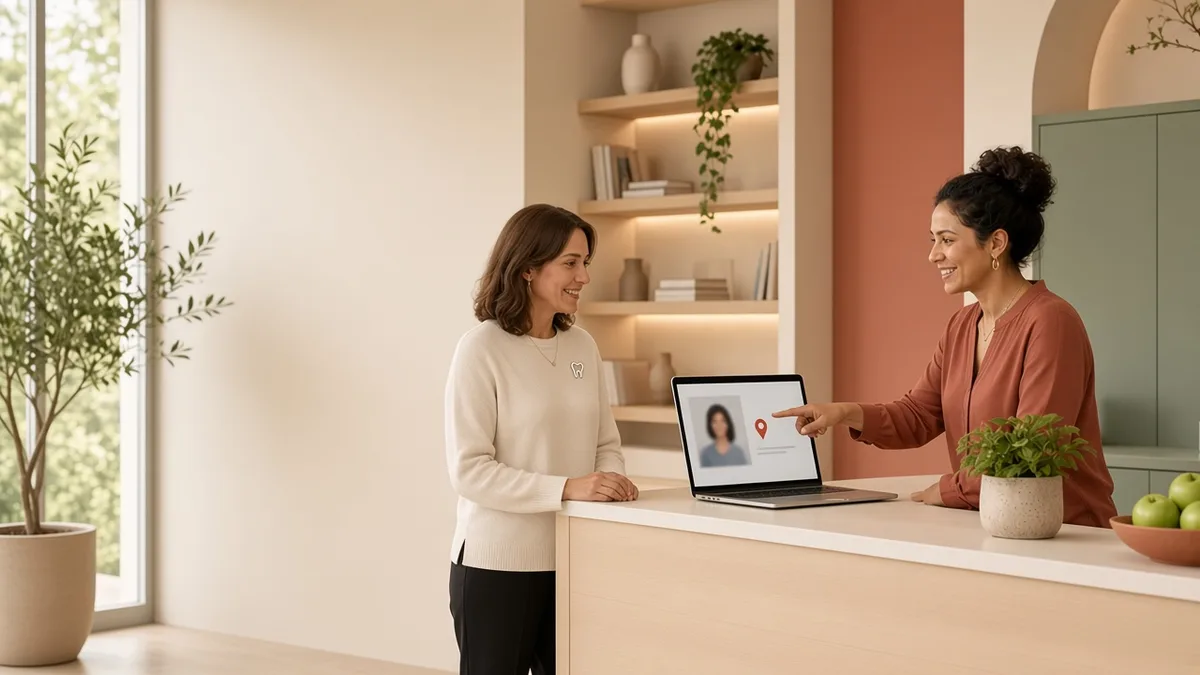
The short answer: Claiming your Top Dentistry directory listing lets you control services, hours, insurance, photos, and patient inquiries — and marks the profile as Claimed, a trust signal patients notice.
If your dental practice appears in a directory and nobody has claimed it, you leave updates and inquiry handling to incomplete public data. Claiming closes that gap.
What changes after you claim?
After verification you can edit services, hours, accepted insurance, dentist roster, and photos. You can respond to patient inquiries directly. Claimed listings show a clear trust marker that helps patients choose an active, managed profile over an abandoned one.
How does verification work?
Submit a claim from your practice profile. The team verifies ownership by calling the practice phone on your Google Business Profile or by emailing an address on your official practice domain. Claims from generic consumer email providers are not approved. Once verified, you can edit immediately; Premium and Featured tiers add placement and priority indexing.
To claim today, search the directory for your practice and use Claim this listing on the profile.
Related reading: Google Business Profile for dentists and local dental marketing cover the other profiles patients check before they call. Not sure the listing is working? Get a free practice audit.
Frequently asked questions
Why should I claim my dental directory listing?
Claiming gives you control of the public profile patients see and routes inquiries to your team. Unclaimed profiles often show outdated hours or incomplete services, which costs calls.
How long does verification take?
Most claims clear after a phone or domain-email check. Have your Google Business Profile phone and practice domain email ready so verification is not delayed.
Can staff claim on behalf of the owner?
Yes, if they can prove practice control through the listed phone or official domain email. Personal Gmail or Yahoo addresses are not accepted as proof of ownership.
What happens if I do not claim?
The listing may still appear from public data, but you cannot reliably update details or manage inquiries. Competitors with claimed, complete profiles will usually look more trustworthy.
Turn insights into booked chairs
Practical dental marketing only works when it fills the schedule — get a free practice audit and a clear next step.
No pitch deck. A practical read on where patients drop off.